Screen sharing guides for Mac
Practical guides from Shyo to sharing your Mac's screen in Zoom, Google Meet and Teams without showing your private apps, chats or notifications.
screen sharingnotifications
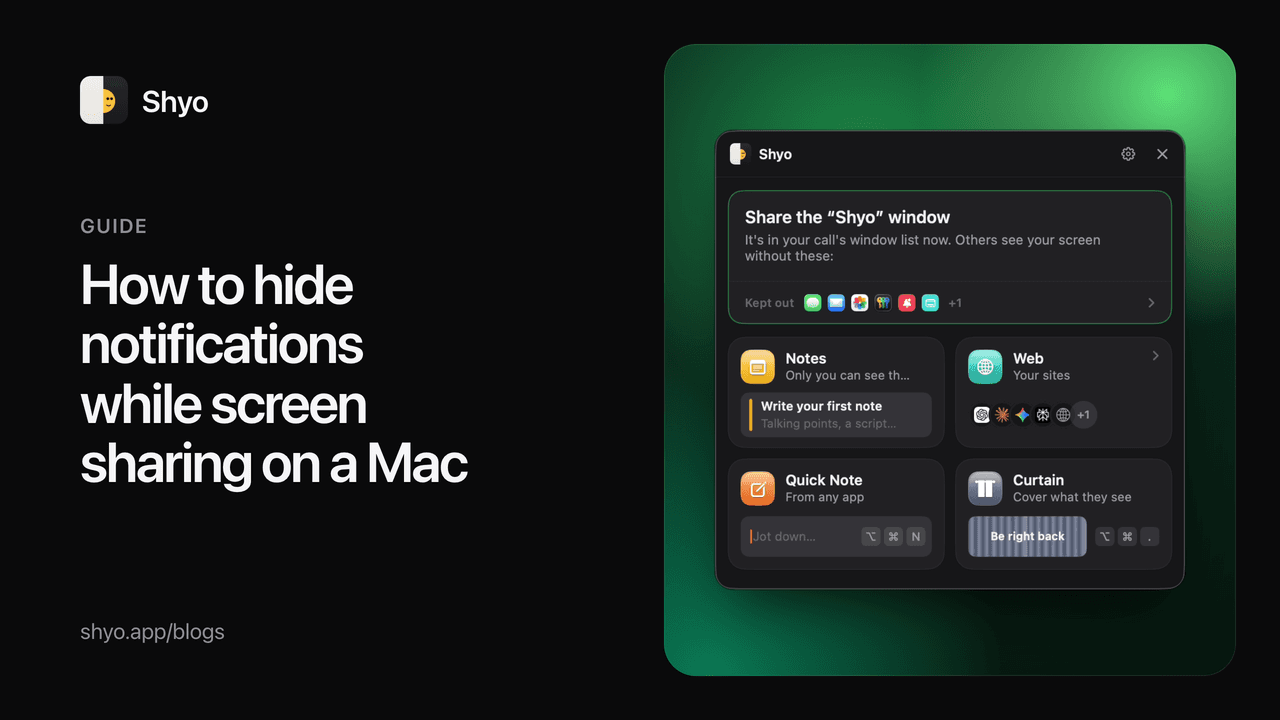
How to hide notifications while screen sharing on a Mac
A message preview popping up in the middle of a demo is the most common screen-sharing slip. Here are four ways to keep notifications off your share on a Mac, from macOS settings to sharing a single window.
KKenil Kanani
Oct 20, 20263 min read
screen sharingZoom
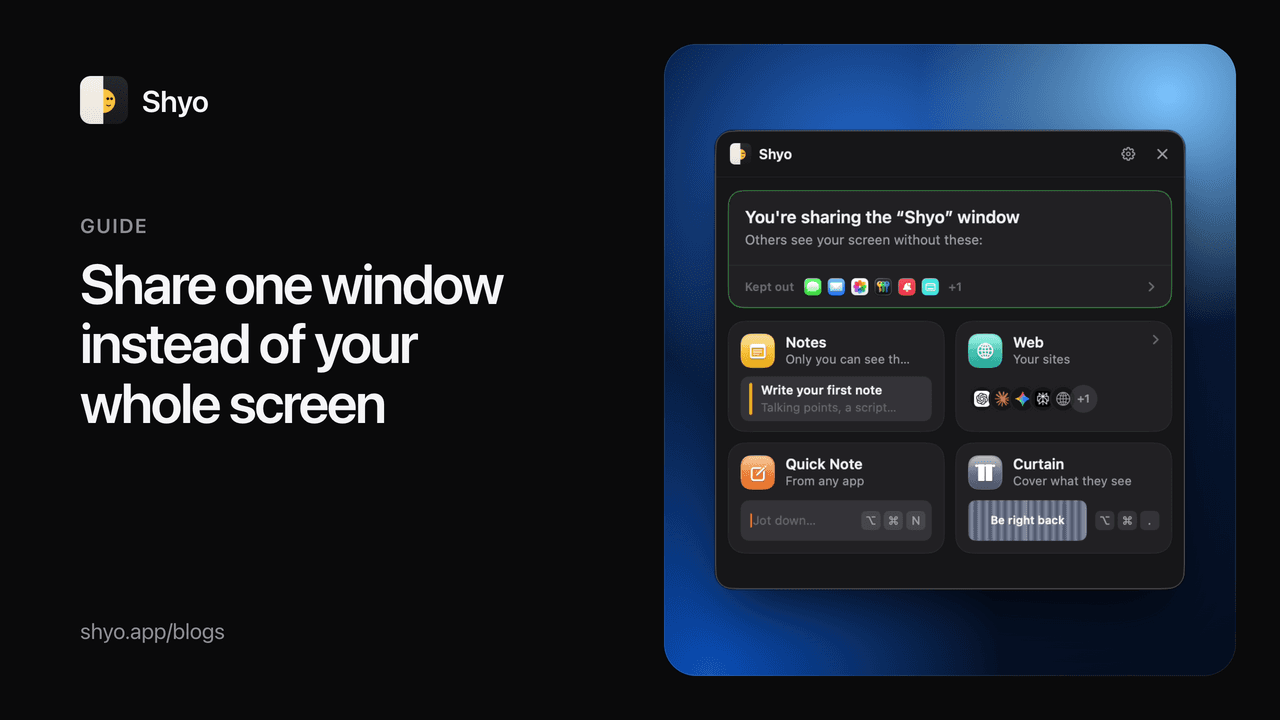
How to share one window instead of your whole screen (Zoom, Google Meet, Teams)
Sharing a single window keeps your chats, notifications and other apps private. Here's how to pick a window in Zoom, Google Meet and Microsoft Teams on a Mac, and what to do when one window isn't enough.
KKenil Kanani
Oct 20, 20263 min read
screen sharingprivacy
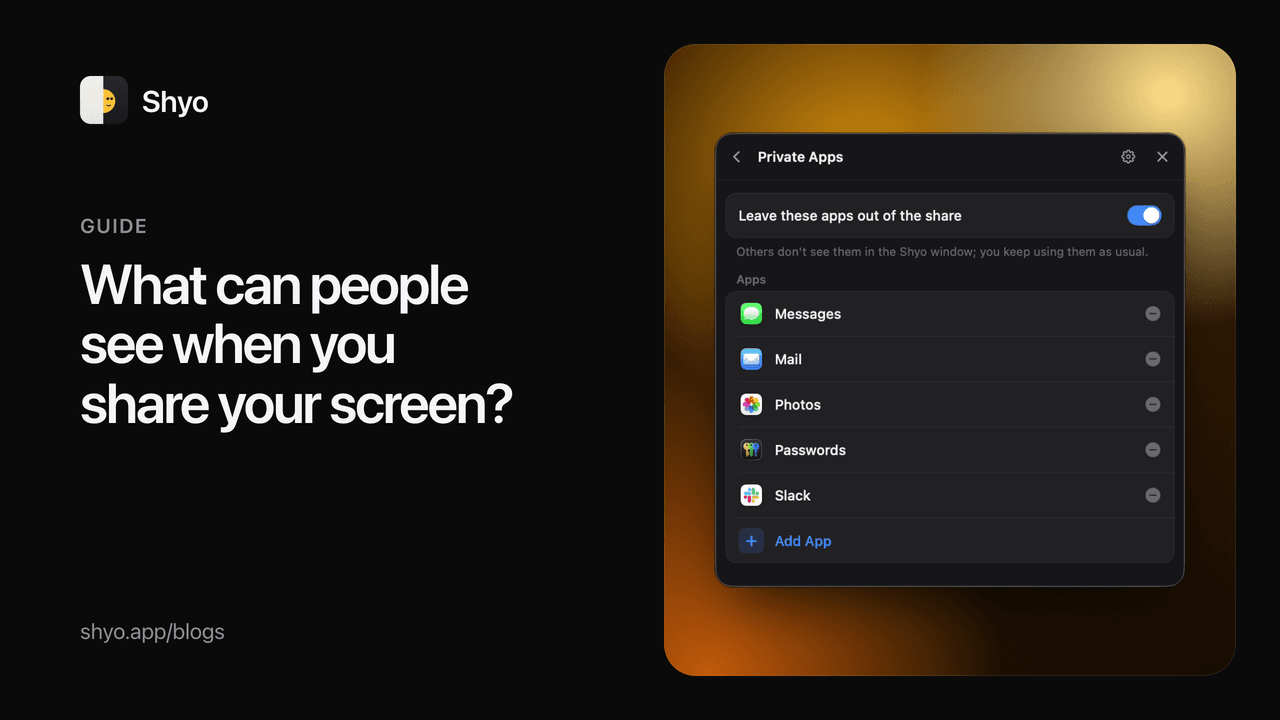
What can people see when you share your screen on a Mac?
Entire screen, one window or one browser tab: what each option shows the people on your call, and the private things that most often slip into a screen share.
KKenil Kanani
Oct 20, 20263 min read